Menü Profili Düzenleme
Menu Profile Editing
After selecting the menu profile to be edited from the selection list where the profiles are listed, Click on the Edit Profile icon.
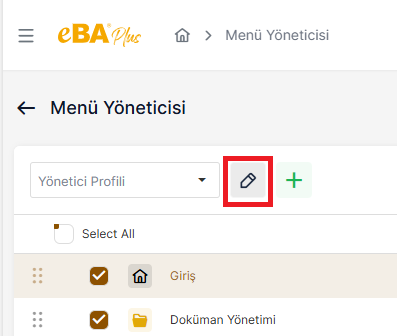
When the profile edit icon is clicked, a popup opens on the screen with the profile information filled. From here, the person can make changes to the "Display Name " and " Reference " sections of the profile. In the "Name " section cannot make changes. If you want to make changes in the "Name" section, the current profile will be deleted and the new name will be It should be created as a new profile with .
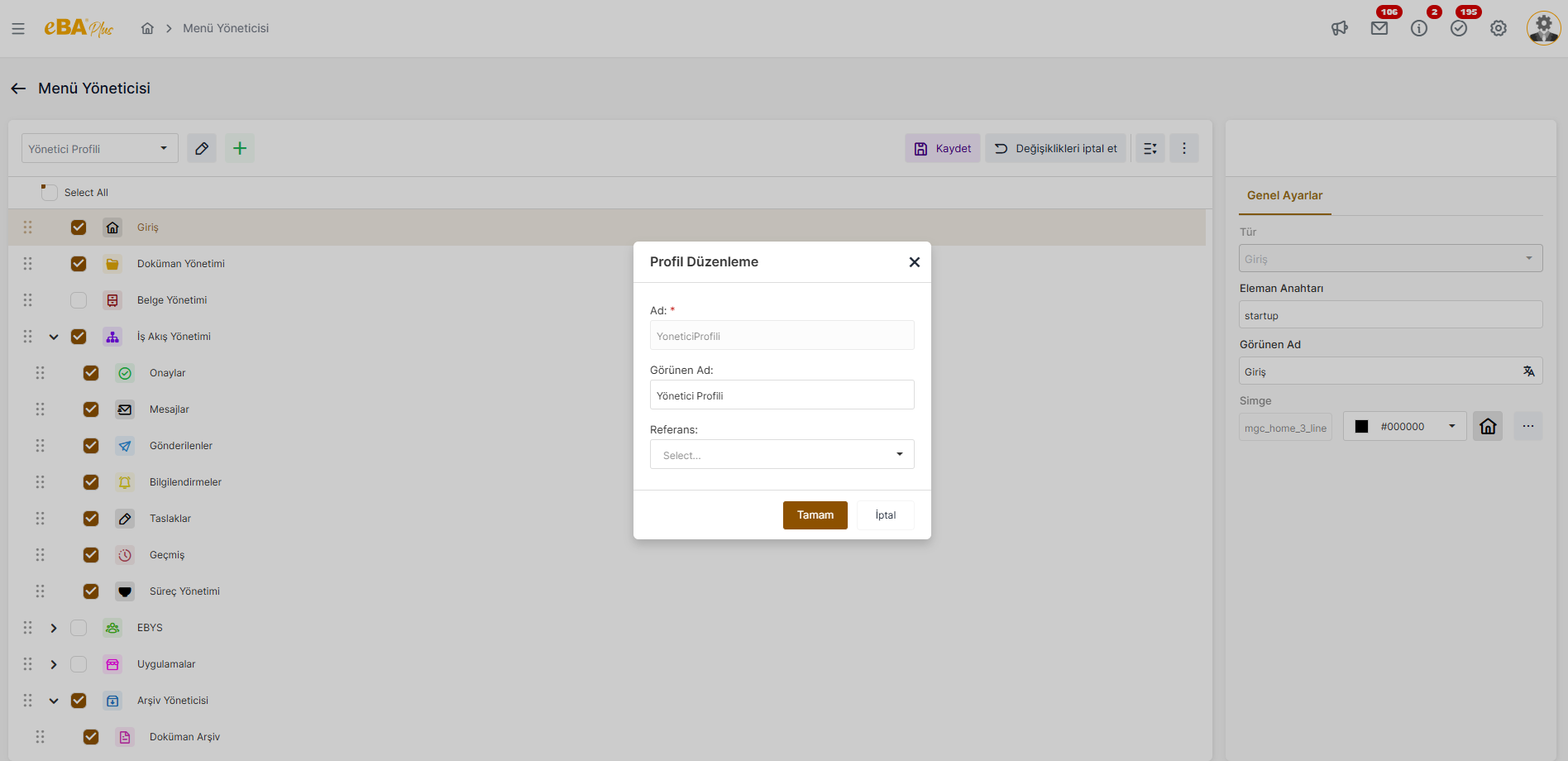
When the change is made and the "OK " button is clicked, the editing window is closed. Save" When the button is clicked, the changes made are saved.